
Cloudflare Pages static webapp · no backend required
Simulate the complete automation path: manual tool changes → verified robotic tool service.
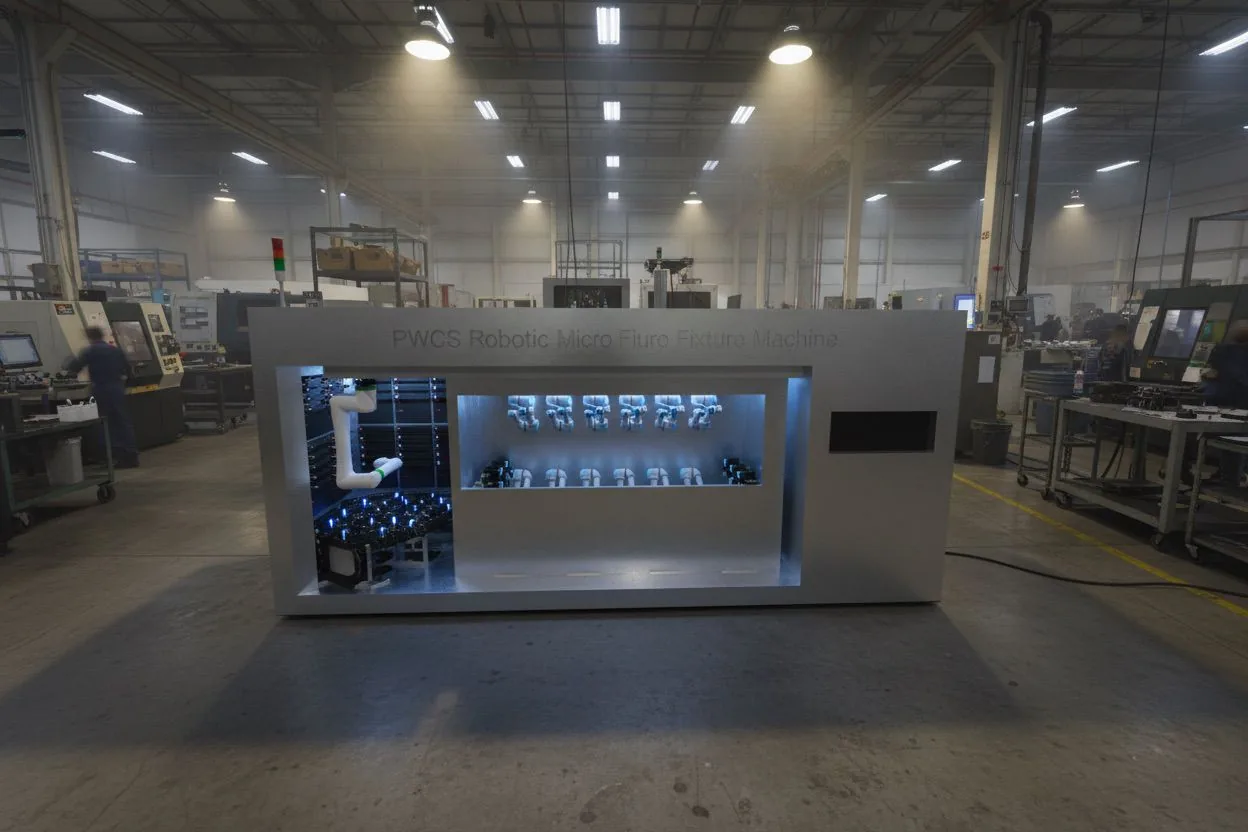
This prototype models a rail-mounted service robot feeding tool banks, quick-change interfaces on 12 existing process robots, vision confirmation, traceability logging, and optional inspection packages.
Live estimates
Cycle, savings, timeline, and risk change with your options.
Animated cell simulation
CRX service robot, tool bank, 12 UR stations, verification gate.
Ready for job selection
Recipe: TUBE-A / Tool T-014
Overhead rail
CRXservice robot
Tool bank
Open product zone
Kept clear while service robot works from rail.
VISION
LASER
AI
All scope options
Compare and simulate the base scope plus optional packages.
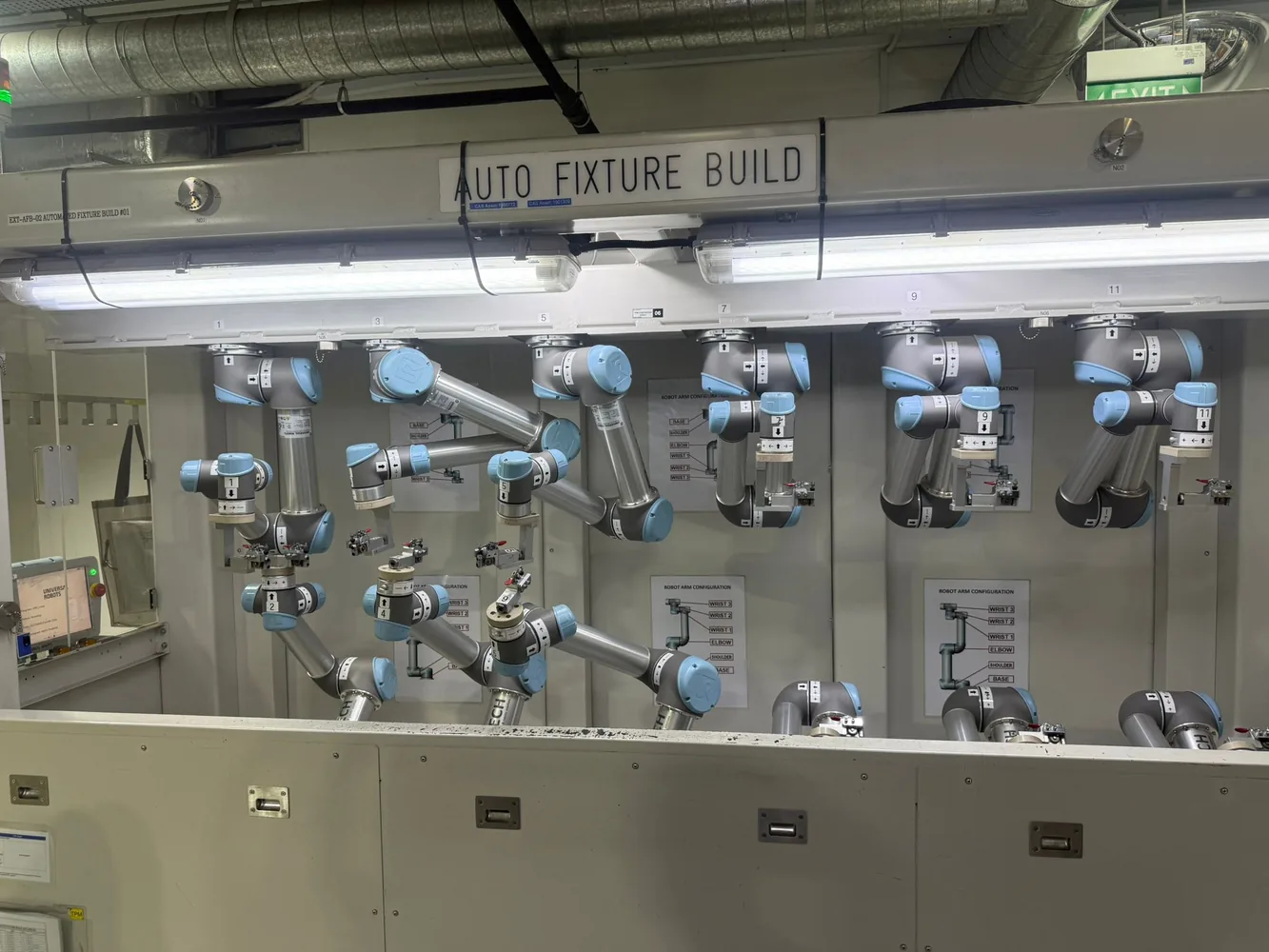
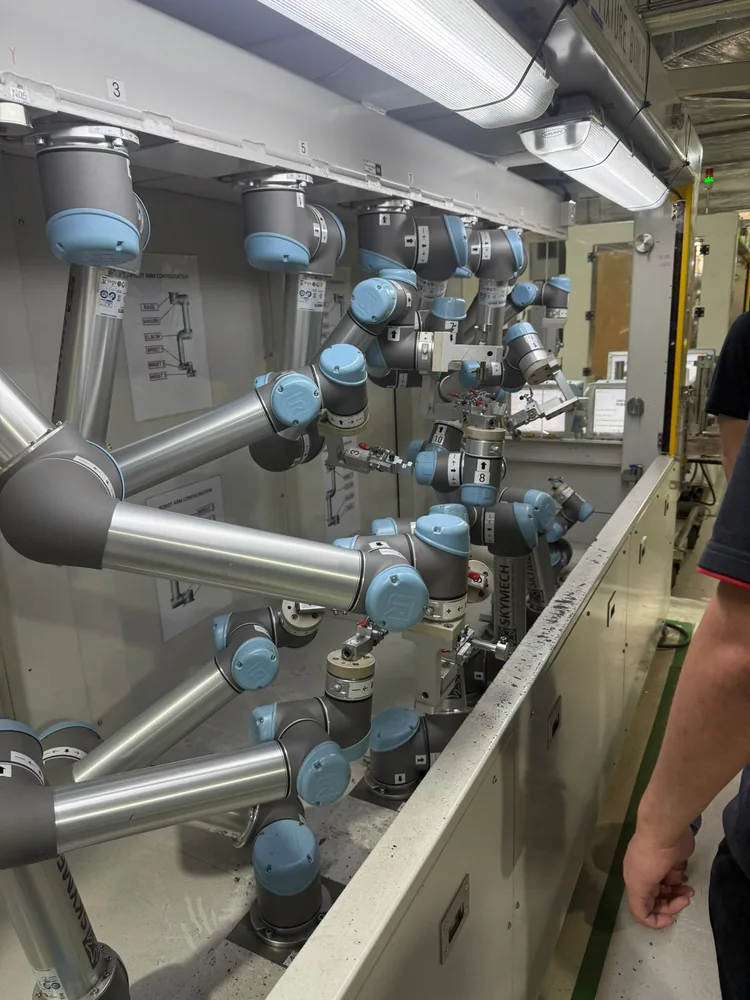
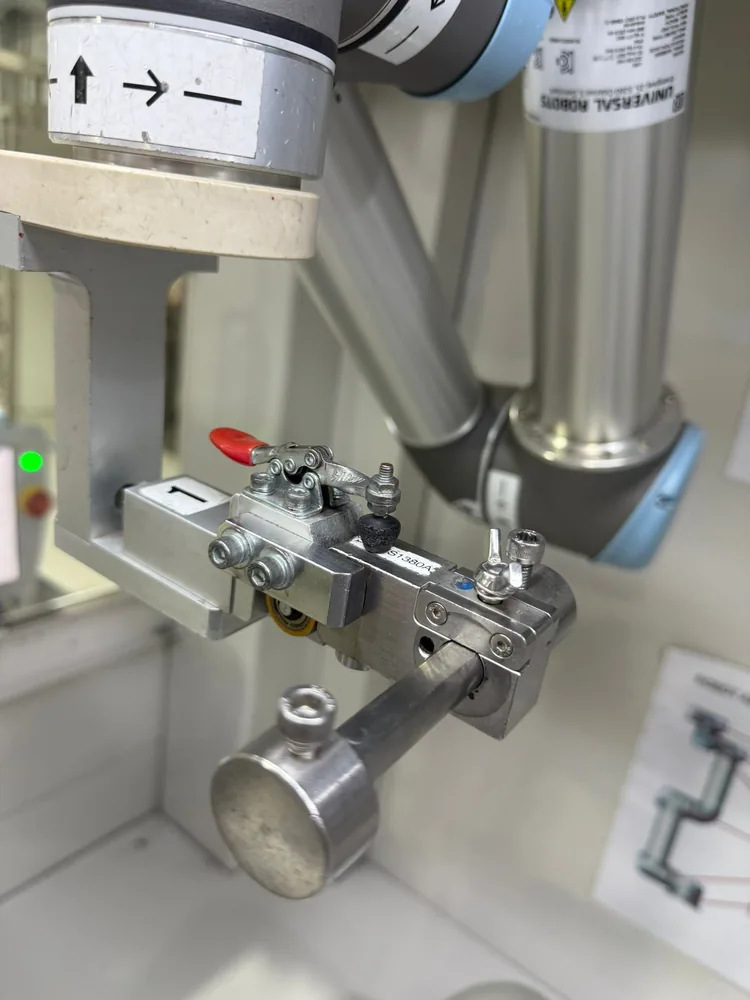
Site evidence and concept cues
Reference images used to shape the simulator.
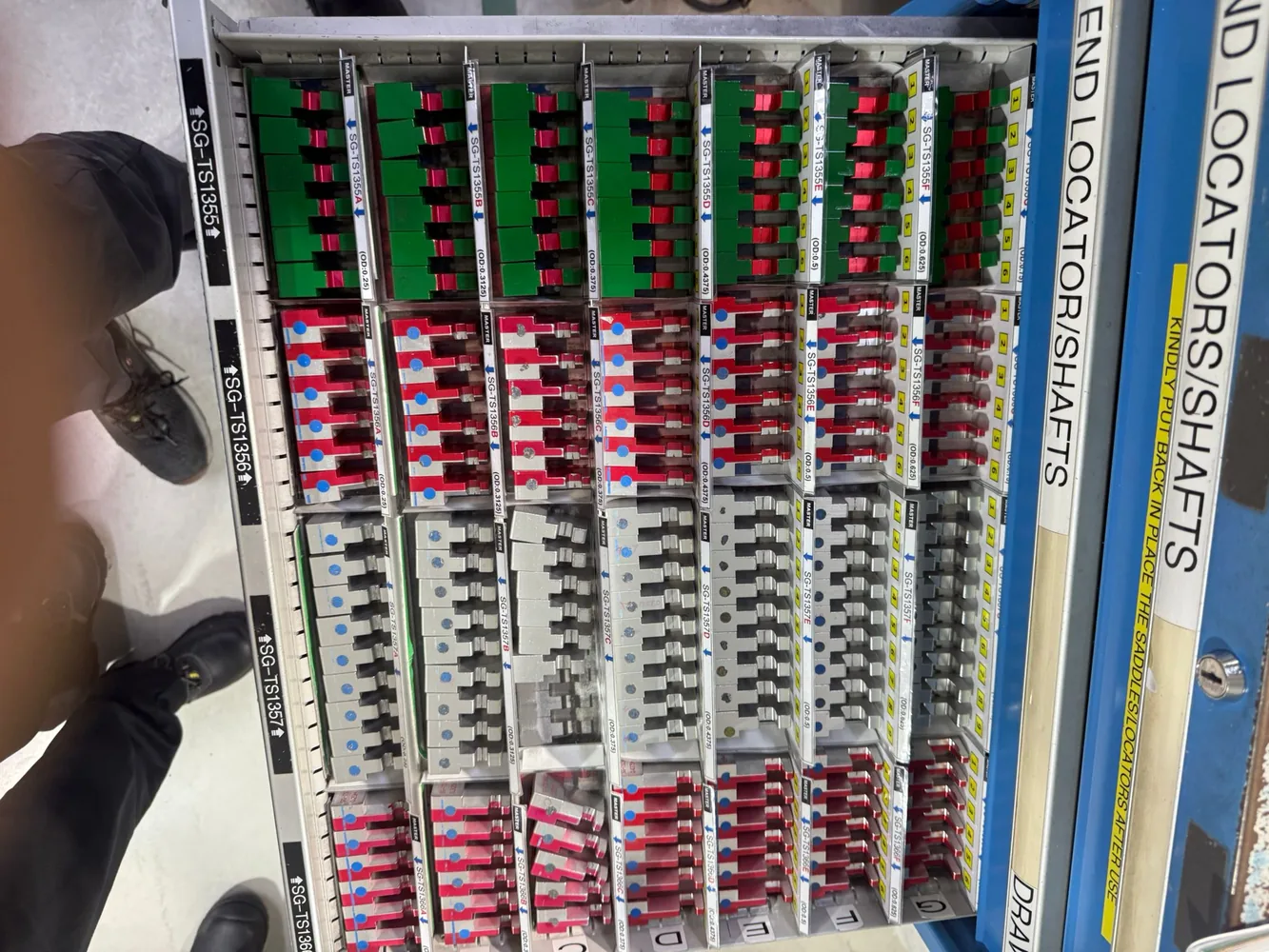
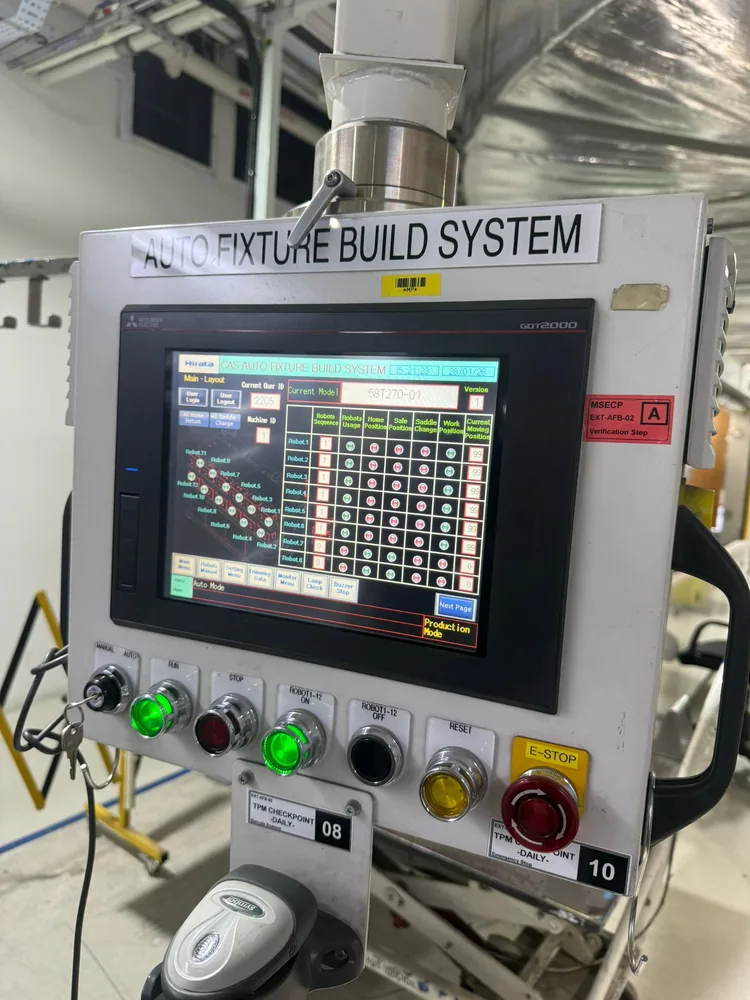
Tool library simulator
Map recipes to tool identity, interface status, and complexity.
| Tool | Family | Station | Adapter | Vision | Complexity |
|---|
Process workflow
Control logic from job selection to production enable.
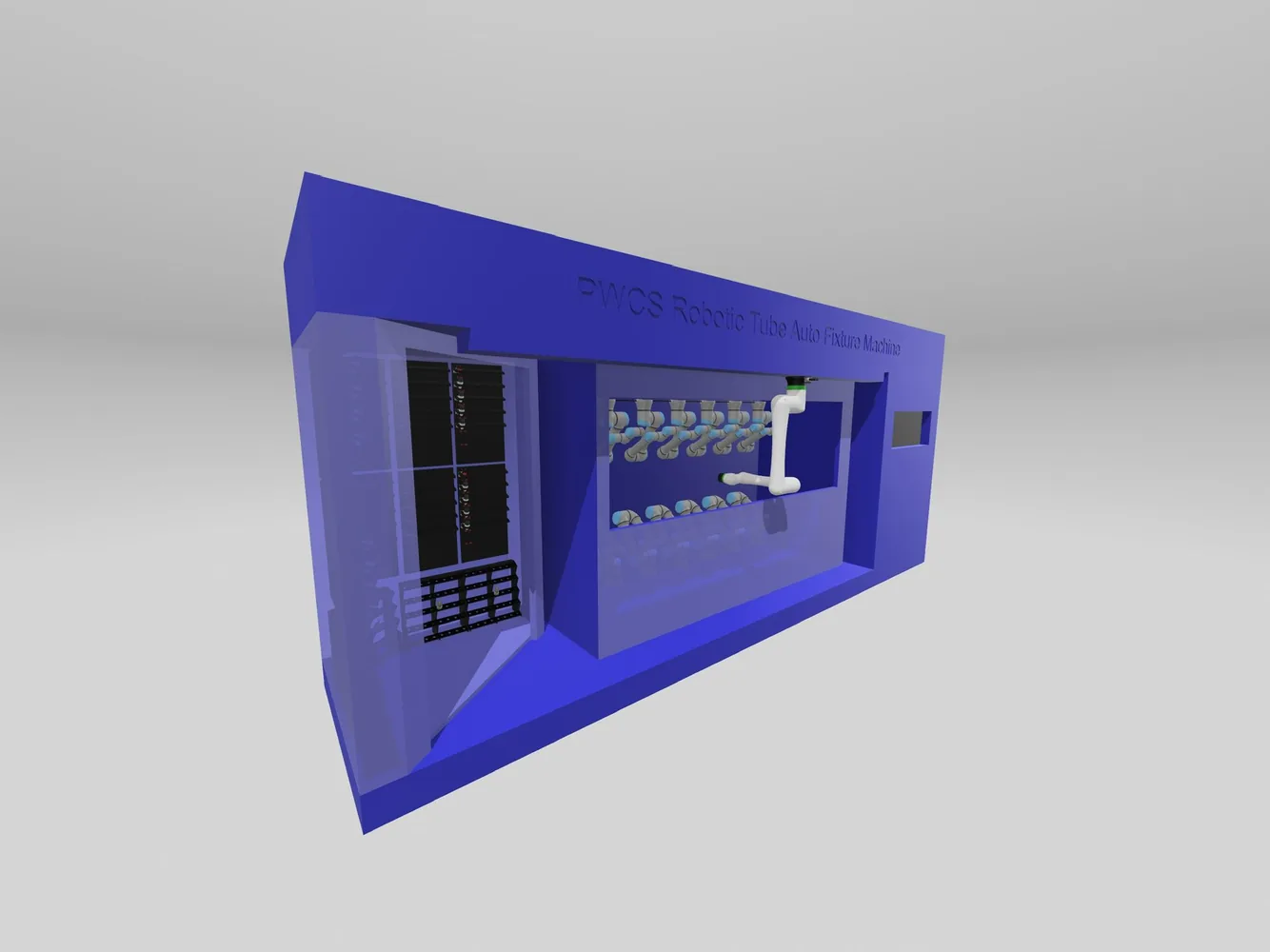
3D scan viewer
Review the site scan and layout reference.
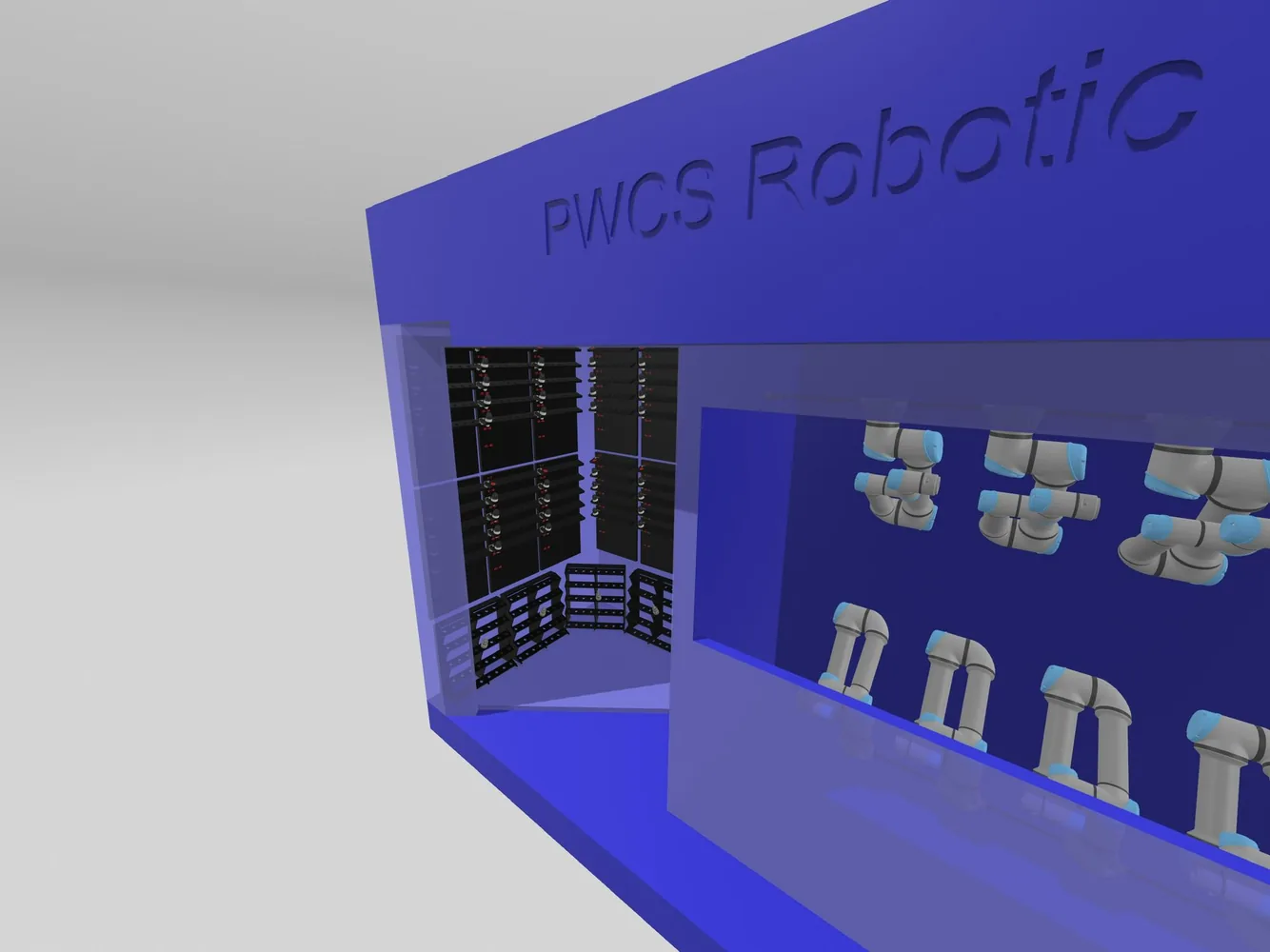
Quotation pack helper
RFQ response checklist and proposal narrative.
Suggested technical narrative
Provide an automated tool service layer using a rail-mounted CRX service robot, standardized quick-change adapters on existing UR robots, tool-bank pick-up, tool ID verification, mounted-state confirmation, and setup traceability. Keep advanced dimensional and AI inspection as modular adders.
Submission checklist
Cloudflare Pages deployment
Deploy the simulator as a static site.
Dashboard upload
- Zip the
publicfolder contents or upload the folder directly. - Cloudflare dashboard → Workers & Pages → Create application → Pages.
- Choose Direct Upload and upload the prepared
publicfolder or zip.
Git integration
- Push this project to GitHub or GitLab.
- Build command:
exit 0 - Build output directory:
public
Wrangler CLI
npm install
npm run deploy